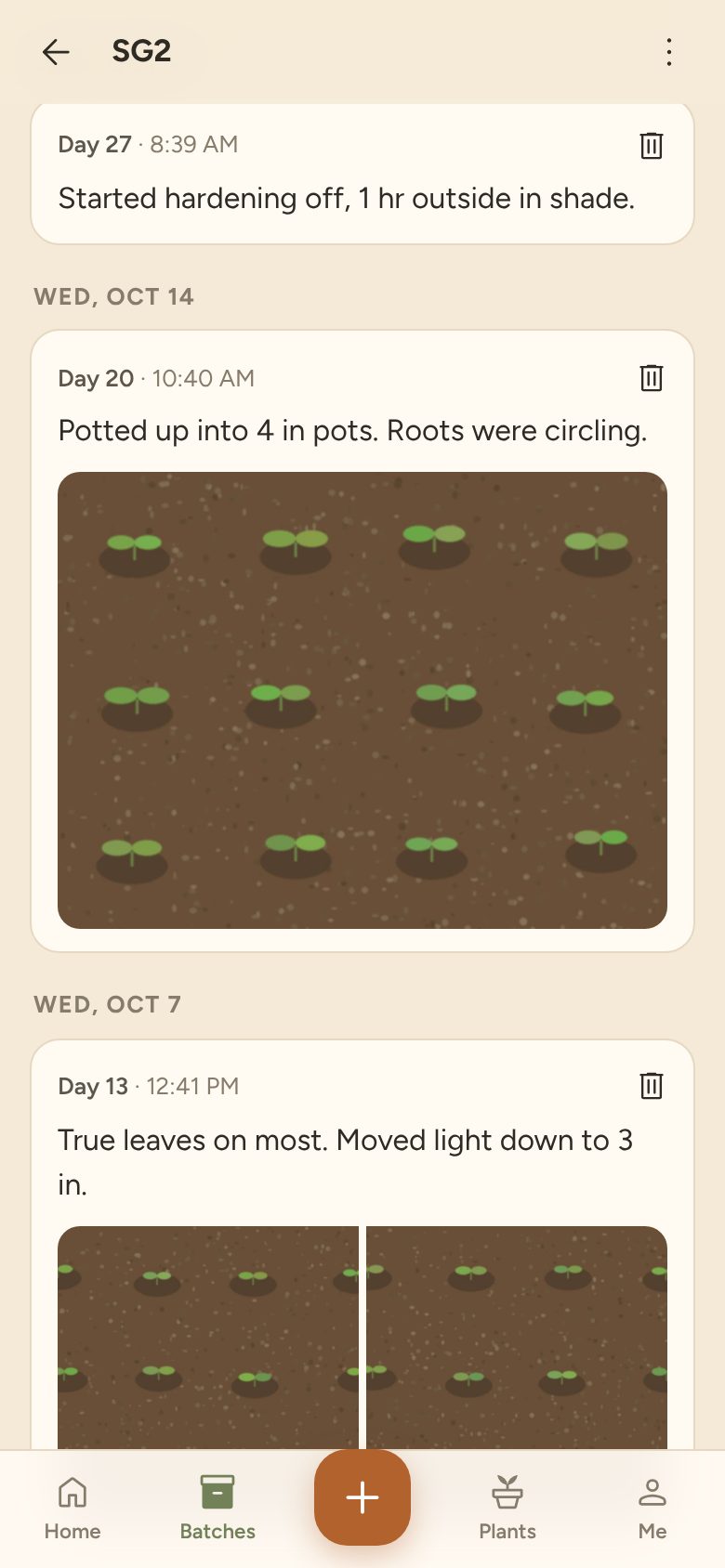
Potted up into 4 in pots. Roots were circling.
Open beta. Free, and the first 25 accounts stay free for good.
Plantlet is a journal for people who start plants from seed. Every tray gets a short code, a growth stage and a timeline of notes and photos. Next season, line your batches up week by week and see what changed.
Sign in with Google or email. Works in your phone's browser; add it to your home screen like an app.
One row per batch is fine on sowing day. Then every check-in becomes another column, the photos live somewhere in your camera roll, and by June you can't tell which tray was which.
Plantlet keeps each note and its photos on the batch they belong to, in order, with the day count since sowing worked out for you.
| Code | Plant | Sown | Note 1 | Note 2 | Note 3 | Note 4 | Note 5 | Note 6 |
|---|---|---|---|---|---|---|---|---|
| SG2 | Sungold | 9/24 | 9 of 12 up | true leaves | potted up, roots circ… | hardening… | see IMG_4… | |
| CPR | Cherokee P. | 9/28 | 7/8 up | slower than… | ||||
| JAL | Jalapeño | 9/6 | soaked seed | finally up | potted 18 | gave 6 to S… | greenhouse | photo? |
Potted up into 4 in pots. Roots were circling.
Type a variety, or copy one from the catalog with sun, spacing and days to maturity filled in.
Each planting gets a three-letter code to write on the label. Split a batch when half goes outside or to a neighbor; both keep their history.
Tap +, pick the batch, and the camera opens. Add a line about what changed. Move it through stages from seeded to harvest.
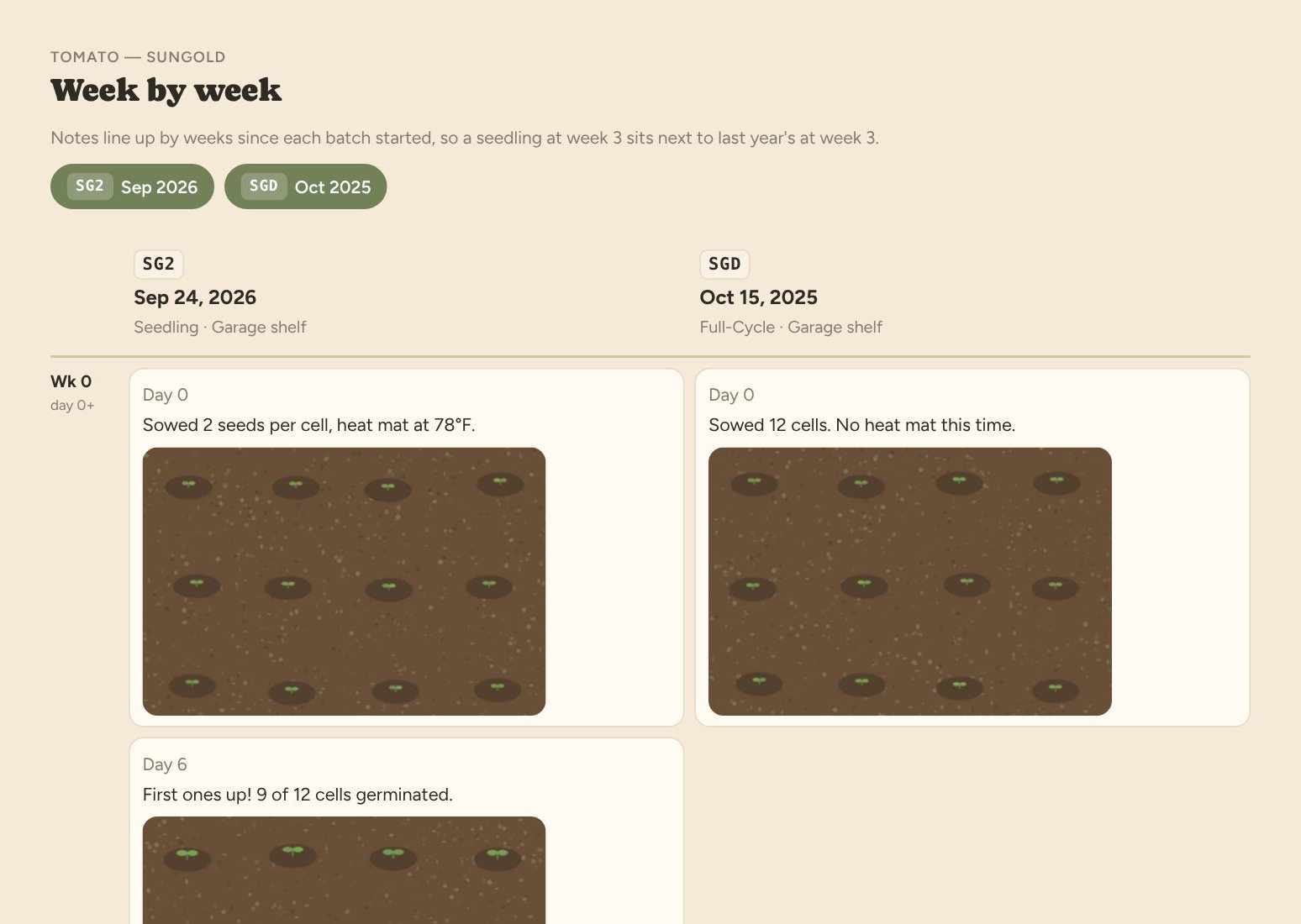
Open a plant to see every batch you've grown of it by year, then line any of them up by weeks since sowing.
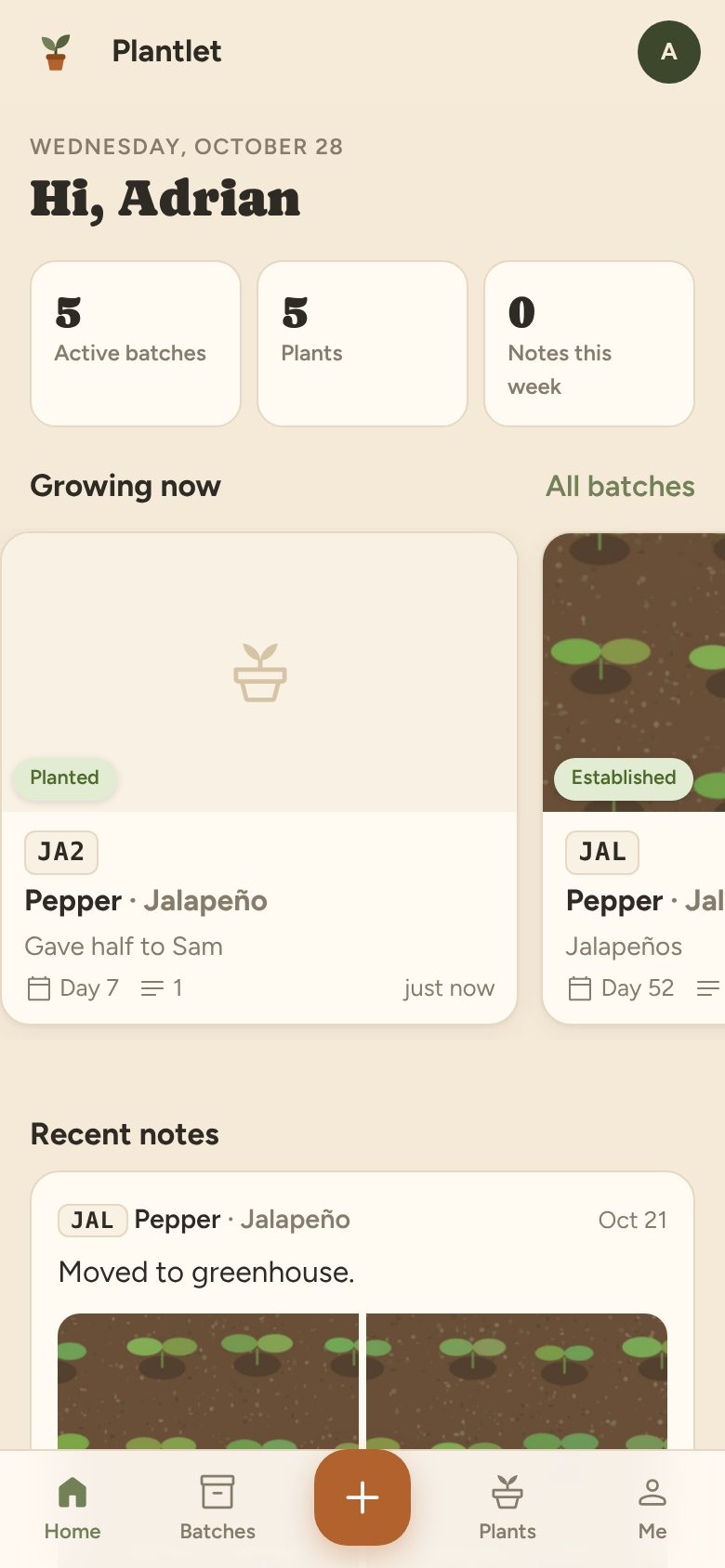
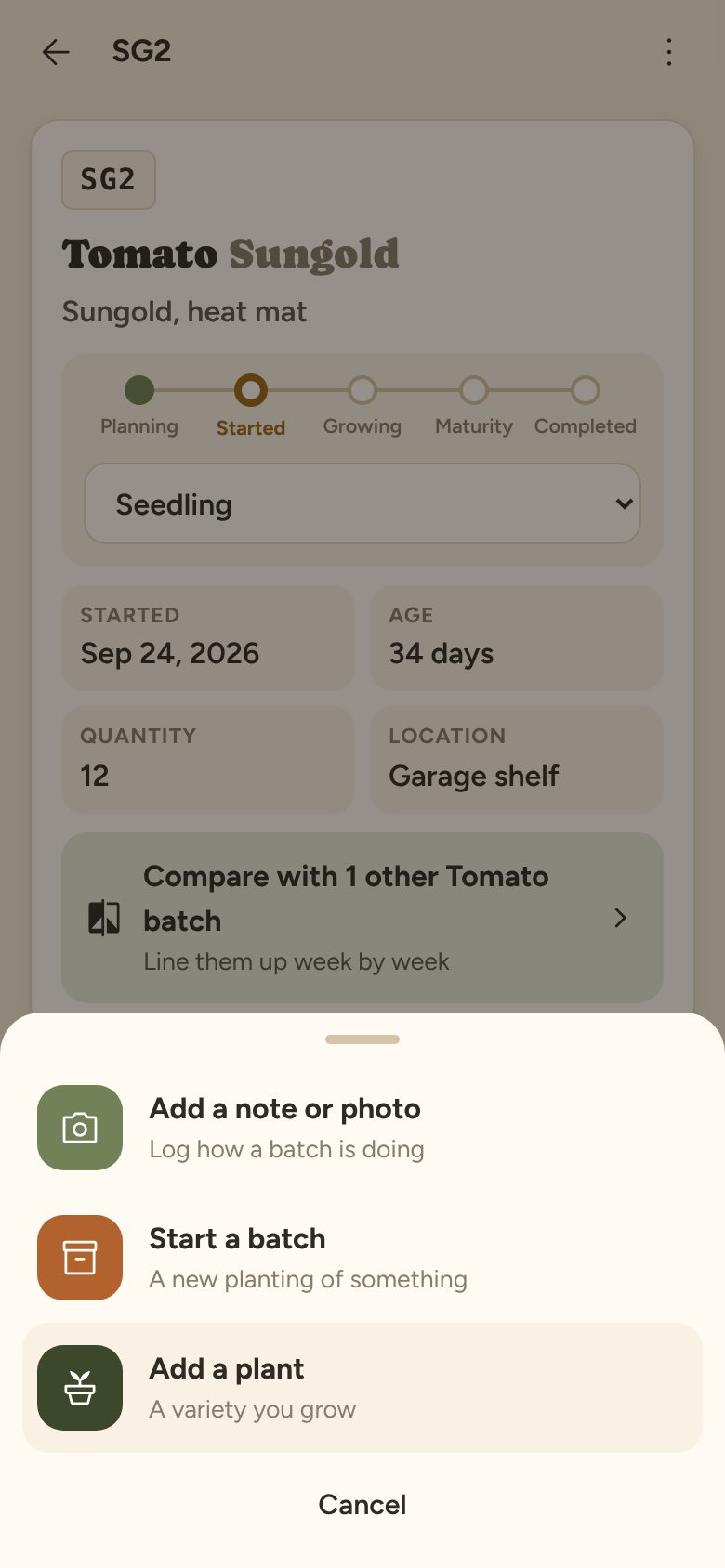
Big buttons, the camera one tap away, and nothing to install from an app store. On a laptop the same account opens up into a wider layout for planning next season.
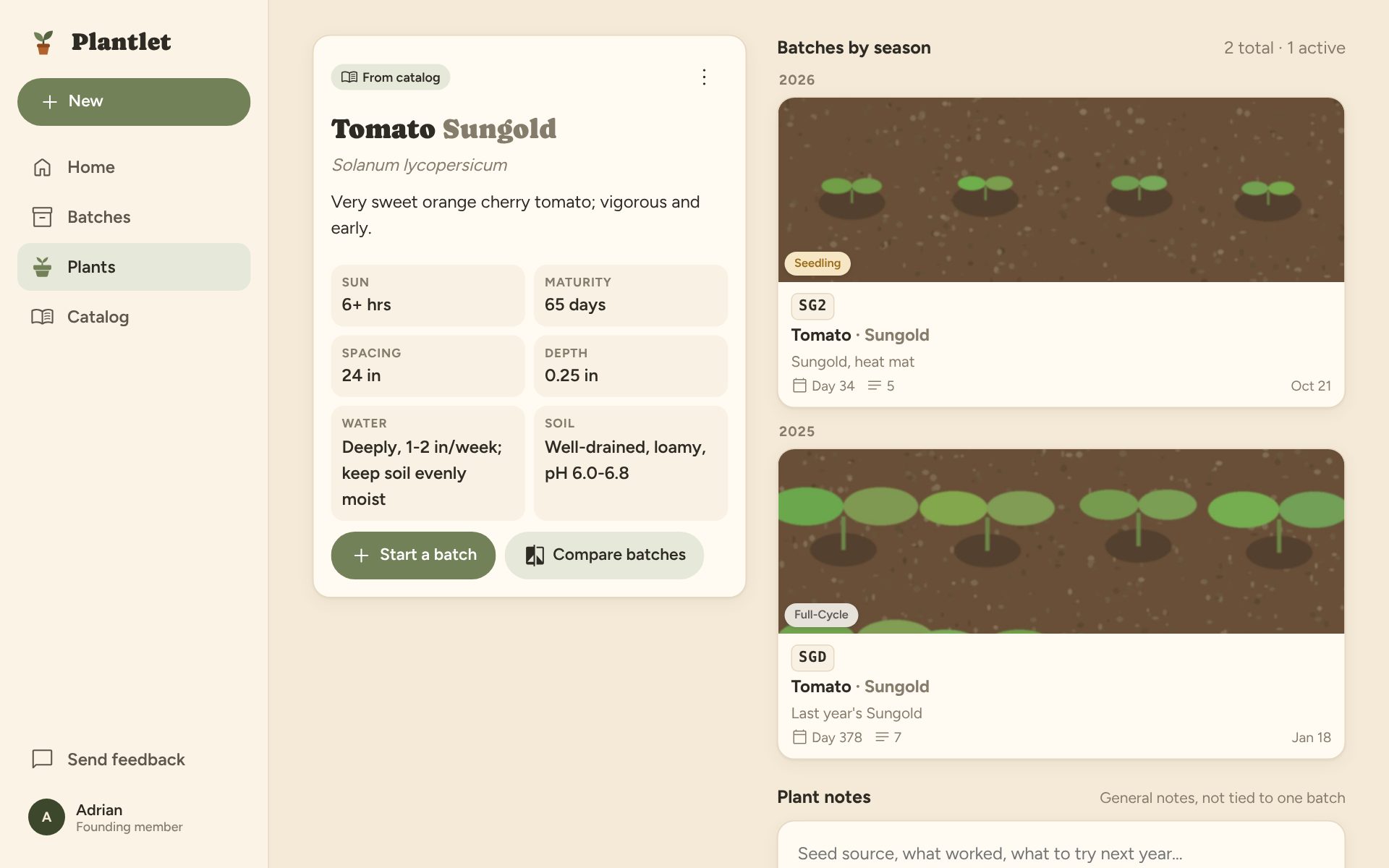
Seed testers and small nurseries run the same loop at a bigger scale: many lots, splits, germination counts, and comparisons against last year's results. Plantlet's batches, codes and splits already fit that work.
If you grow at that scale, tell us what would make it useful. Lot tracking, exports and shared accounts are on the table, and early users shape what gets built.
Email support@plantlet.coPrivacy policy and terms, written in plain language.
Nothing during the beta. The first 25 accounts are founding members and won't be charged for Plantlet's core features, ever. If paid plans arrive later, everyone gets at least 30 days' notice and nothing you've recorded gets locked away.
Not from an app store. Plantlet runs in your phone's browser. On iPhone, tap Share then Add to Home Screen; on Android, tap the menu then Install app. It opens full-screen with its own icon.
Not yet. Plantlet needs a connection to load and save. If your seed-starting spot has no coverage, take photos with your camera and add them to a note later; you can set the note's date and time when you save it.
Not automatically yet. If you have one you'd like to move over, email support@plantlet.co. Knowing what columns people use decides how the importer gets built.
One planting of one variety: a tray of 12 Sungold tomatoes sown on September 24, a row of carrots, a cell pack of basil. Each has its own code, stage, quantity and location, and its own timeline.
Next spring you'll have something to compare against.